




-
 Pricing
-
 How it Works
-
 AI Writing
Planning Tools
Improvement Tools
- AI Detector
- AI Humanizer
- Essay Grader
- Paraphrasing Tool
- Grammar Checker
- Plagiarism Checker
- Summarizer
Writing Tools
-
 About
About
- Manage Subscription
- Subscribe Now

 Profile
 Logout
words
Quota = 1500 words


AI Summarizer
Get Key Points in a Snap - Say Goodbye to Lengthy Reads!
 Clear inputs

Answer the prompts
Get the best results by adding all requirements.0%


Bypass Turnitin and other detectors

Rephrase and enhance your content
Is this tool useful so far?


We Value Your Feedback
Help us improve your experience by sharing your thoughts and suggestions.

Thank You for Your Feedback!
We're thrilled you had a great experience. Your input helps us keep improving!
Condense Any Text in Seconds with Our AI Summarizer
PerfectEssayWriter.ai's AI Summarizer is your go-to tool to quickly shorten lengthy texts or articles while keeping all the important points.
Our AI-powered summary generator simplifies complex project plans, detailed articles, and long documents. It creates clear, concise summaries that are easy to understand and share.
Well, forget about information overload now! Try our best summarizer tool for free and see how easy summarizing can be with just a click!
| ⏱️ Instant Outputs | Quick, concise summaries |
| 🤖 AI-powered | Advanced AI algorithms |
| 🖥️ User-Friendly | Easy-to-use interface |
| 💾 Save Share | Store or share summaries |
| ✔️ Reliable Results | Consistent precise summaries |
How to Summarize a Text?
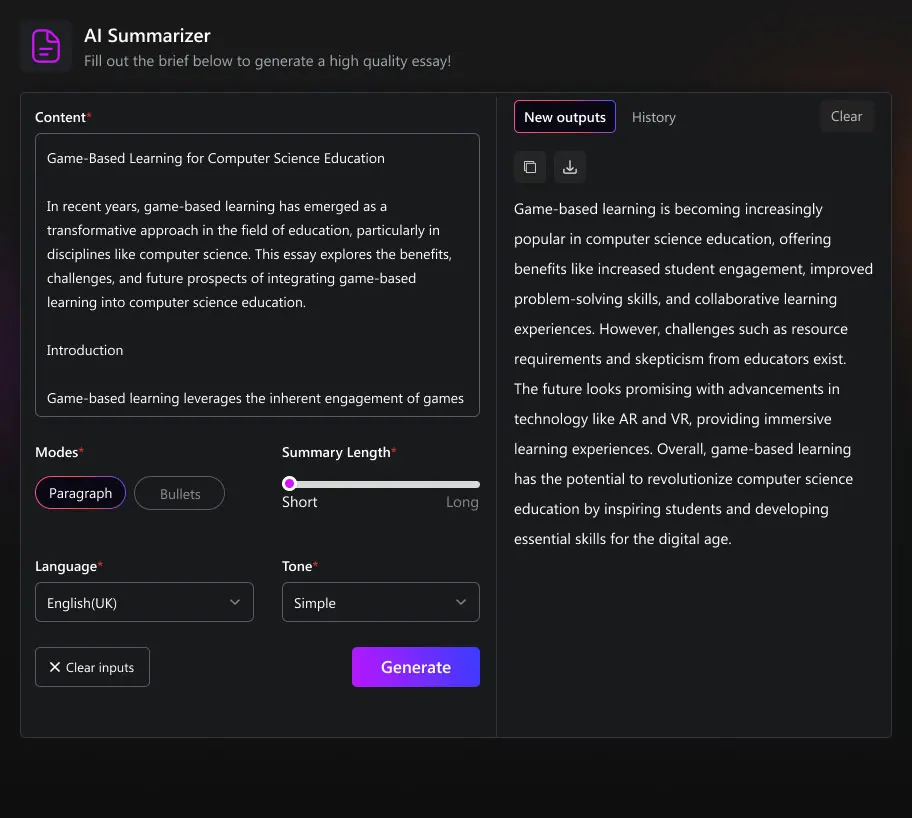
Using our online summarizing tool is super easy. Here's how it works in four simple steps:
STEP
01
Add Your Text
Just type or paste your text in the input box or upload a file.
STEP
02
Select Summary Details
Decide if the tone and length of your summary and whether you need it in paragraphs or bullets.
STEP
03
Get Your Summary
Click the ‘Generate’ button, and your summarized content will pop up in seconds.
STEP
04
Save or Share
Like what you see? Save it for yourself or share it with others. Once you're done, clear the inputs and start a new session!
Features of Our AI Summarizer
Learn how our advanced online text summarizer can help you with its wide range of features.
Multiple Tone Selection
Style Your Summary Your Way!
Pick from different tones like formal, humorous, or casual to make sure your summary fits your style. Our AI-based algorithms incorporate natural language understanding to let you match the tone you want, making your summary sound just right.
Personalized Summaries
Summaries That Suit You!
Create summaries that match your preferences, keeping the content meaningful while fitting your chosen tone in natural language. Get summaries that feel unique and still retain the main ideas of the original text.
Customizable Length
Summary Length, Just Right!
Adjust the length of your summaries to get a quick overview or detailed insights, depending on what you need. Make your summaries as short or detailed as you want, all while keeping the key points.
Quick Results
Speed Up Your Workflow!
Our AI-powered tool allows you to generate instant summaries with a click, saving you time for other important tasks. Whether managing deadlines, researching, or preparing reports, our tool ensures quick results.
Key Point Extraction
Capture the Core!
This smart summarizer uses machine learning to easily pull out the main ideas so you can understand the core of the content without reading every word. This makes it ideal for busy professionals and students.
Key Users Of AI Text Summarizer Tool
Students
Students can save time when studying by quickly getting the main points of lengthy academic texts. Summaries can aid in understanding complex subjects and preparing for exams.
Professionals
Busy professionals can efficiently process large volumes of reports, articles, and emails. Summaries allow them to stay informed without spending excessive time reading.
Researchers
Researchers can quickly identify relevant studies and findings by reviewing summaries of numerous research papers. This can aid in literature reviews and staying up-to-date with their field.
Journalists
Journalists can sift through extensive background material and sources to find key information for their articles. This tool enables them to produce well-informed and concise news pieces.
Content Creators
Content creators can use summaries to gather information and ideas from multiple sources, helping them generate original content more efficiently.
Webmasters
Streamline content selection, optimize SEO, and enhance user engagement by utilizing our free summary generator tool for efficient website management.
Simplify Your Tasks With Our Summarizer
Save time and effort with our content summarizer online tool. Whether you're a student or a professional, our summarizer helps you grasp the main ideas of any content quickly and efficiently.
Enjoy the convenience of understanding complex information easily and make the most of your time with our article summarizer.

Everyday Use
Easily simplify complex paragraphs, sentences, or entire articles with just one click.

Academic Research
Speed up your academic research by extracting key points from long texts effortlessly.

Business
Condense lengthy meeting transcripts into clear, actionable bullet points without hassle.
Ready to Simplify Complex Content? Try Our Summarizer Now!
Sample Summaries Generated by Our Summarizer Tool
Here, you'll find summary samples generated using the AI tool from PerfectEssayWriter.
YouTube Content Summary
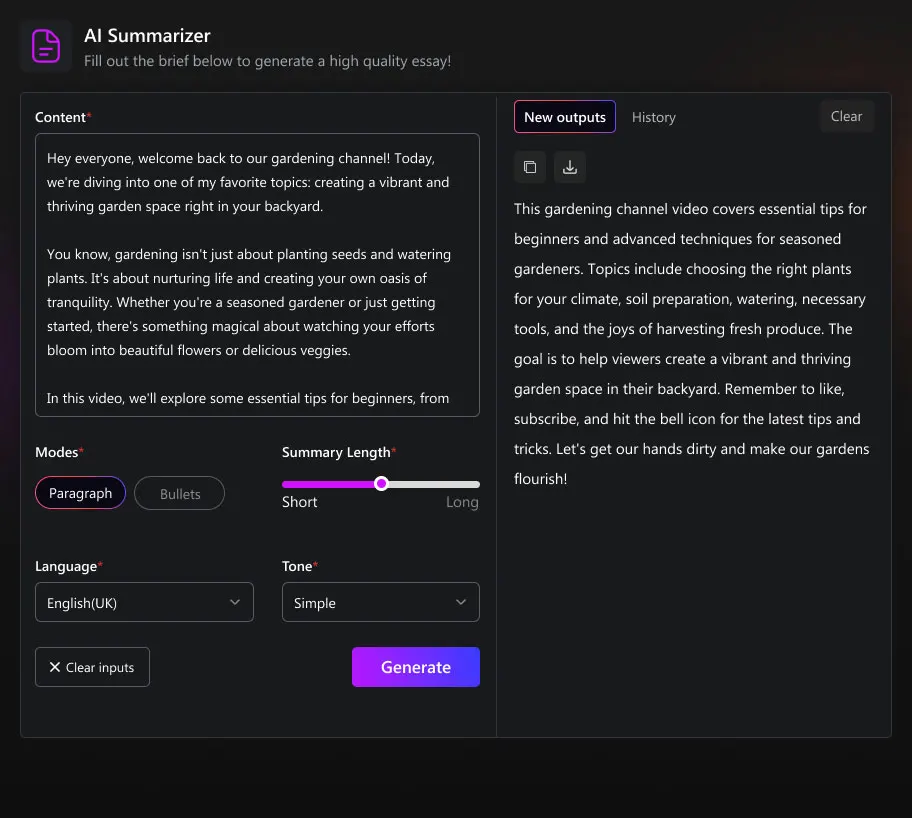
Website Content Summary
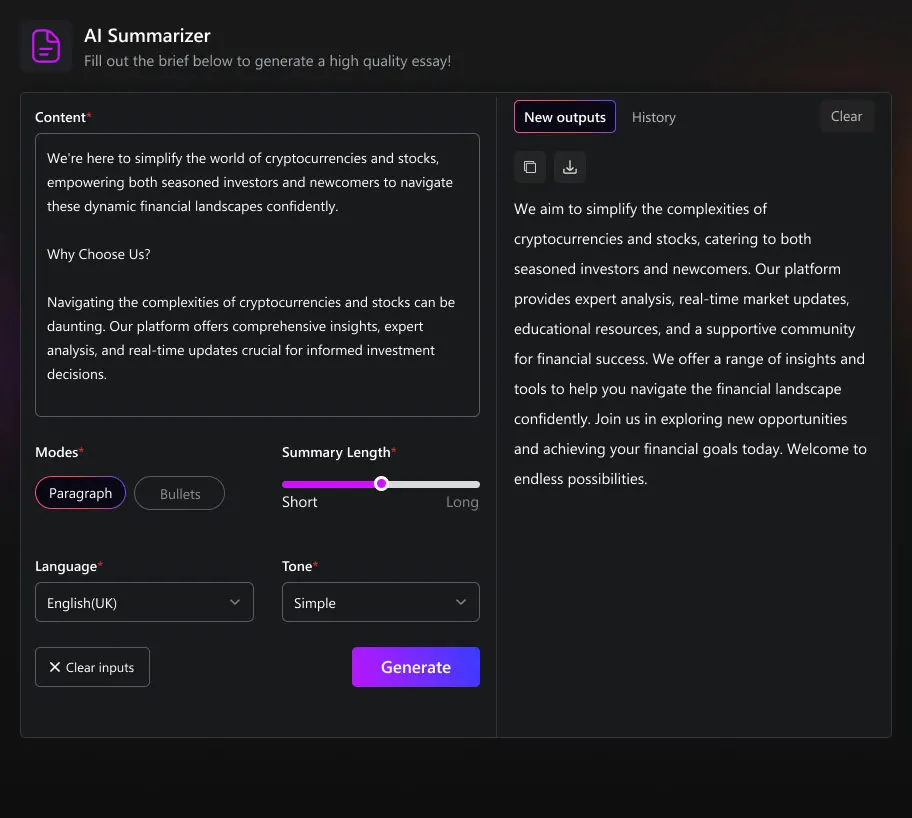
Article Summary
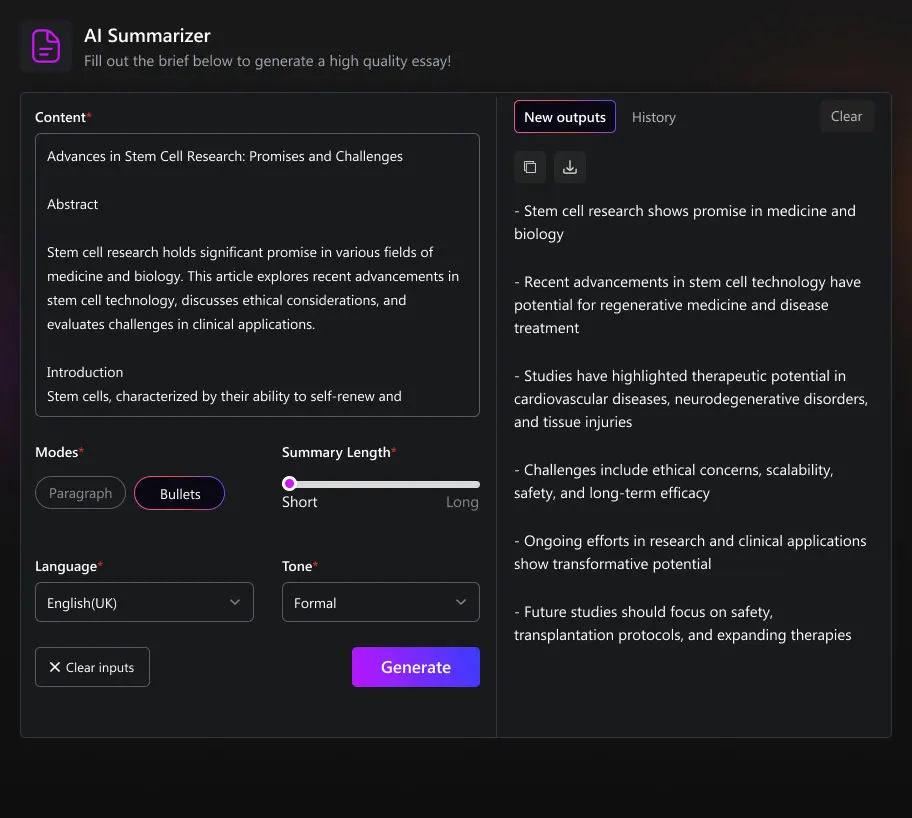
Story Summary
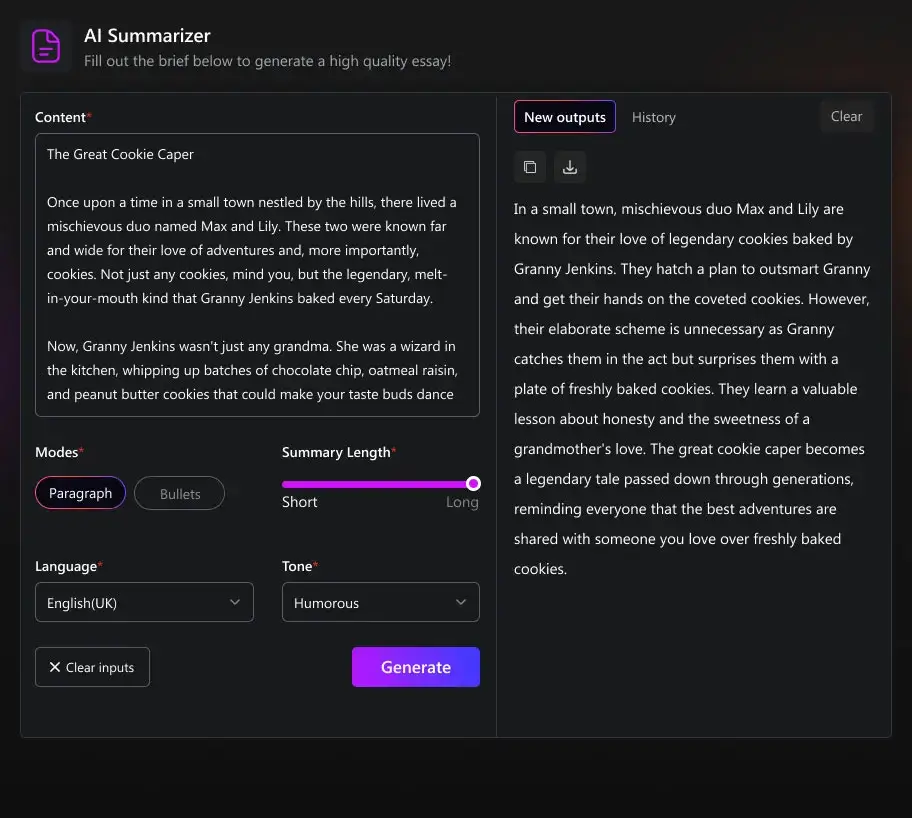
Essay Summary
PerfectEssayWriter’s Additional Writing Tools for Enhanced Writing Process

Frequently Asked Questions
What Is Text Summarization?
Text summarization is like giving a quick rundown of a long story, webpage, academic paper, or article. It helps to capture the main points without having to read everything in detail. It's handy when you need to understand key ideas quickly or share information briefly.
This helps save time and improves reading efficiency, making it simpler to get key information for research or communication purposes.
With the advent of AI-powered content summarization, generating summaries for long text has gotten even better. The tools use smart algorithms to analyze and summarize content accurately, making everything easier to digest.
Why use the Summary Generator?
The AI summary generator saves time by condensing long texts into concise summaries, aiding readers in grasping key points without extensive reading. It's invaluable for students, researchers, and professionals seeking efficient extraction of essential information from large volumes of text.
Can I use the AI summarizer to shorten my college essay?
Yes, our AI summarizer tool is designed to help you condense your college essay while preserving its main ideas and arguments. It’s a handy tool for refining your writing without losing important content, making it ideal for meeting word count requirements or improving clarity.
Will using the AI summarizer change the meaning of my writing?
No, our summarizer powered by AI is programmed to maintain the original meaning and intent of your writing. It analyzes the text thoroughly to extract key points and rephrases them succinctly, ensuring that your message remains clear and accurate.
Can the tool understand complex or technical language?
Yes, our AI paragraph summarizer is equipped to handle complex and technical language proficiently. It utilizes advanced algorithms that can comprehend specialized terminology and concepts, allowing it to summarize even the most intricate texts effectively.
Can I use the summarizer on my phone, or is it only for the desktop?
You can use our free text summarizing tool on both your phone and desktop devices. Whether you’re on the go or working at your desk, you can access the summarization tool conveniently through your web browser.
 Copied to clipboard!